
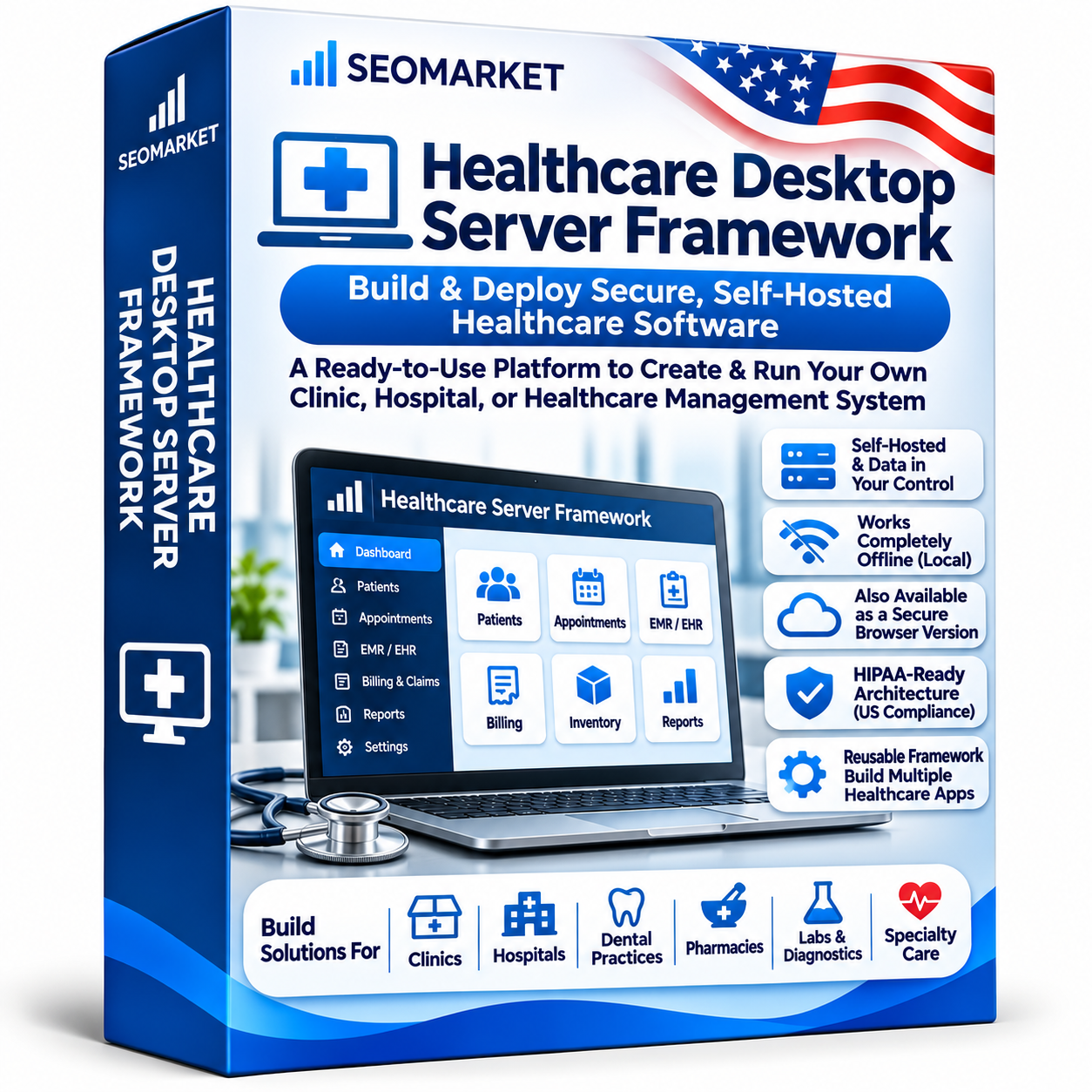
Healthcare Desktop Server Framework – Self-Hosted & Offline Healthcare Software Platform
Take complete control of your healthcare software infrastructure with Healthcare Desktop Server Framework, a standalone platform designed for clinics, pharmacies, medical organizations and healthcare software providers.
Deploy your own healthcare server, manage databases locally and access your applications through web browsers without depending on external cloud services.
Whether you operate a completely offline clinic network or a private server with optional internet connectivity, this framework provides the infrastructure to manage your healthcare applications independently.
Purchase once. Install locally. Operate independently.
Key Features
1. Completely Offline Operation
Run your healthcare software infrastructure without an active internet connection.
- Fully local server installation.
- Browser-based access through a private LAN.
- No mandatory cloud connectivity.
- No external database dependency.
- No recurring online licence verification.
- Local user authentication.
- Offline software licence activation.
- Local data processing and storage.
- No automatic transmission of patient information to external servers.
Once installed and configured, the platform can operate entirely within your organization’s private network.
2. Self-Hosted Server Management
- Install on your own Linux server.
- Browser-based administration dashboard.
- Docker-based deployment.
- Local network access.
- Customer-controlled infrastructure.
- Support for private server environments.
- Centralized management of compatible healthcare applications.
3. Local Database Management
- PostgreSQL database integration.
- Local database configuration.
- Patient and business data storage.
- Database backup and restoration.
- Data import and export.
- Database access management.
- No mandatory external database hosting.
4. Security and Access Management
- Individual user accounts.
- Role-based access permissions.
- Multi-factor authentication where configured.
- Encrypted data storage.
- Secure local application connections.
- Session management.
- User activity tracking.
- Audit logging.
- Administrator access controls.
5. Offline Software Licensing
Purchase and activate your software without requiring continuous internet connectivity.
- One-time software licence.
- Offline licence activation.
- Digitally signed licence files.
- Installation identification.
- Product version management.
- No mandatory monthly subscription.
- No recurring online activation requirement.
- Optional paid upgrades.
6. Local Backup and Recovery
Protect your information using customer-controlled backup infrastructure.
- Automated local backup scheduling.
- Encrypted backup files.
- Local storage destinations.
- External hard drive backup support.
- Network-attached storage (NAS) backup support.
- Database restoration.
- Recovery management.
7. Software Update Management
Maintain control over software updates and installation schedules.
- Offline software update packages.
- Digitally signed updates.
- Manual update installation.
- Version management.
- Database migration support.
- Update history.
- Rollback support.
Updates can be downloaded on another internet-connected computer and transferred to the offline server using approved installation media.
8. Healthcare Application Deployment
Use the framework as the infrastructure foundation for compatible healthcare applications, including:
- Dental Practice Management Software
- Medical Practice Management Software
- Pharmacy Management Software
- Healthcare CRM
- Patient Management Software
- Medical Billing Software
- Appointment Management Systems
- Healthcare Workflow Automation
Two Deployment Modes
Completely Offline Mode
Designed for clinics and organizations that want their entire software environment to operate without internet connectivity.
- Local server installation.
- Private LAN browser access.
- Local database and file storage.
- Offline licence activation.
- Local backups.
- No cloud dependency.
- Manual software updates.
Self-Hosted Online Mode
For organizations that need secure remote access or optional internet-based services.
- Customer-owned server.
- Browser-based access.
- Secure remote access through VPN.
- Local database management.
- Customer-controlled backups.
- Optional integrations.
- Customer-managed connectivity.
Both modes keep the customer in control of the underlying infrastructure.
Who Should Use This Software?
- Dental clinics and hospitals.
- Medical practices.
- Pharmacies and medical stores.
- Healthcare organizations.
- Medical software providers.
- Healthcare technology businesses.
- Independent healthcare software developers.
- Organizations requiring offline software infrastructure.
Why Choose Healthcare Desktop Server Framework?
- One-time software purchase.
- No mandatory monthly subscription.
- Completely offline-capable.
- Self-hosted deployment.
- Browser-based access.
- Customer-controlled databases.
- No mandatory cloud hosting.
- Local data processing.
- Offline licence activation.
- Local backup and recovery.
- Flexible healthcare application deployment.
System Requirements
Final requirements depend on the applications deployed and the number of concurrent users.
- Dedicated Linux server or compatible computer.
- Ubuntu Linux LTS recommended.
- Docker and Docker Compose.
- PostgreSQL database.
- Local network connection for multi-user access.
- Modern web browser.
- Adequate local storage and backup capacity.
Data Privacy and HIPAA Considerations
The framework is designed to support customer-controlled, self-hosted and offline deployments where patient information remains within the organization’s own infrastructure.
Its architecture aims to minimize routine external access to patient data and eliminate mandatory transmission of PHI to the software provider.
However, using this software does not automatically make an organization HIPAA compliant. Customers remain responsible for their applicable HIPAA obligations, security configuration, access controls, policies, physical safeguards and operational procedures.
Purchase Healthcare Desktop Server Framework
Get a standalone healthcare infrastructure platform that puts your organization in control of its software environment.
Buy once. Install locally. Work offline. Keep control of your data.
No mandatory cloud hosting. No mandatory monthly subscription. No internet dependency for normal offline operation.